Joining a Session
In ServeLeague, a session is a single scheduled play night within a league: one evening of matches at your club. When you join a session, you get access to view your matches, submit scores, and follow live standings as results come in throughout the night.
You don't need an account to participate. The PIN system is designed for frictionless access so you can get playing as quickly as possible. All you need is the 4-digit PIN your league organiser shares at the start of play night. No sign-up forms, no app downloads, no email verification.
Go to the Join Page
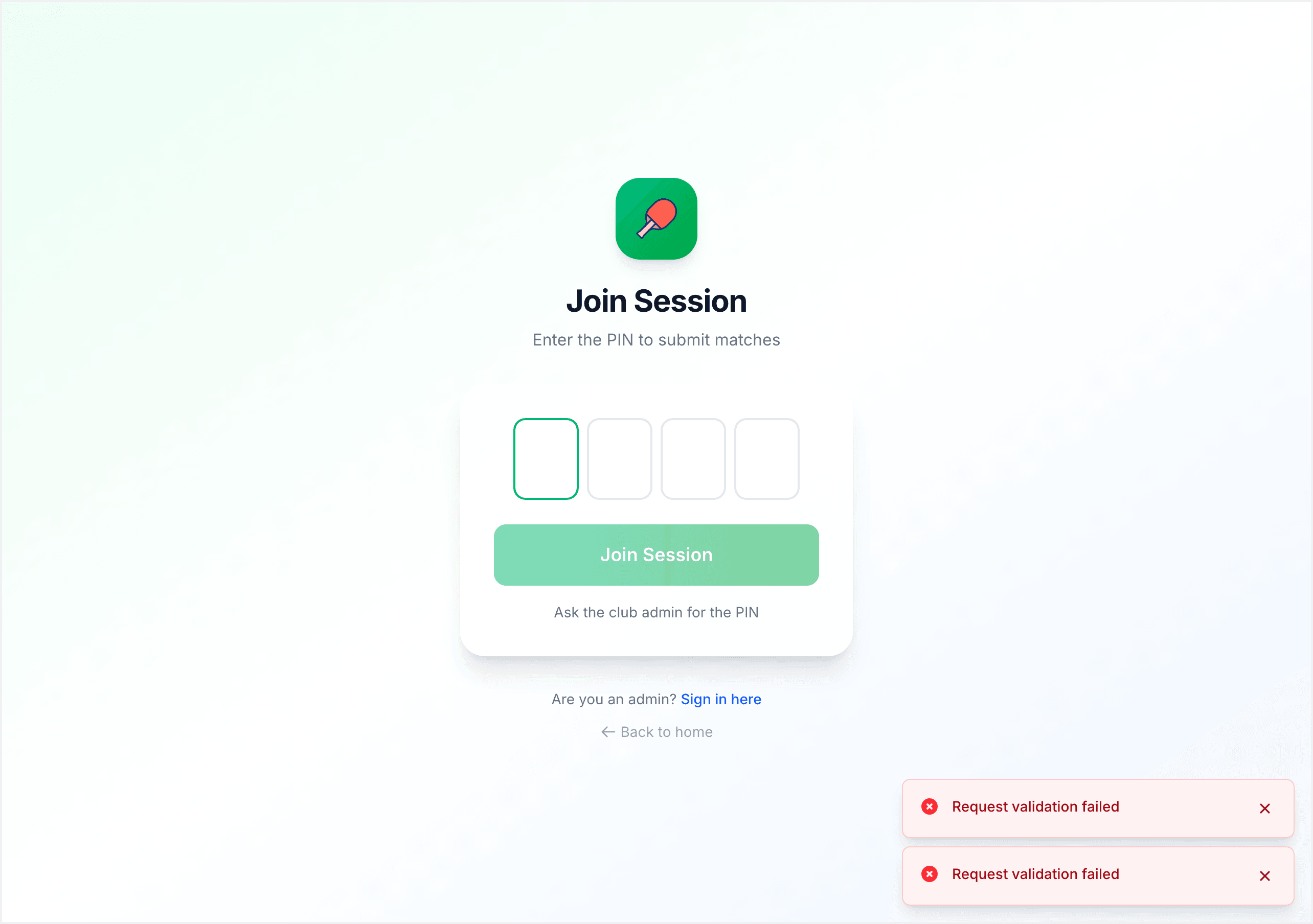
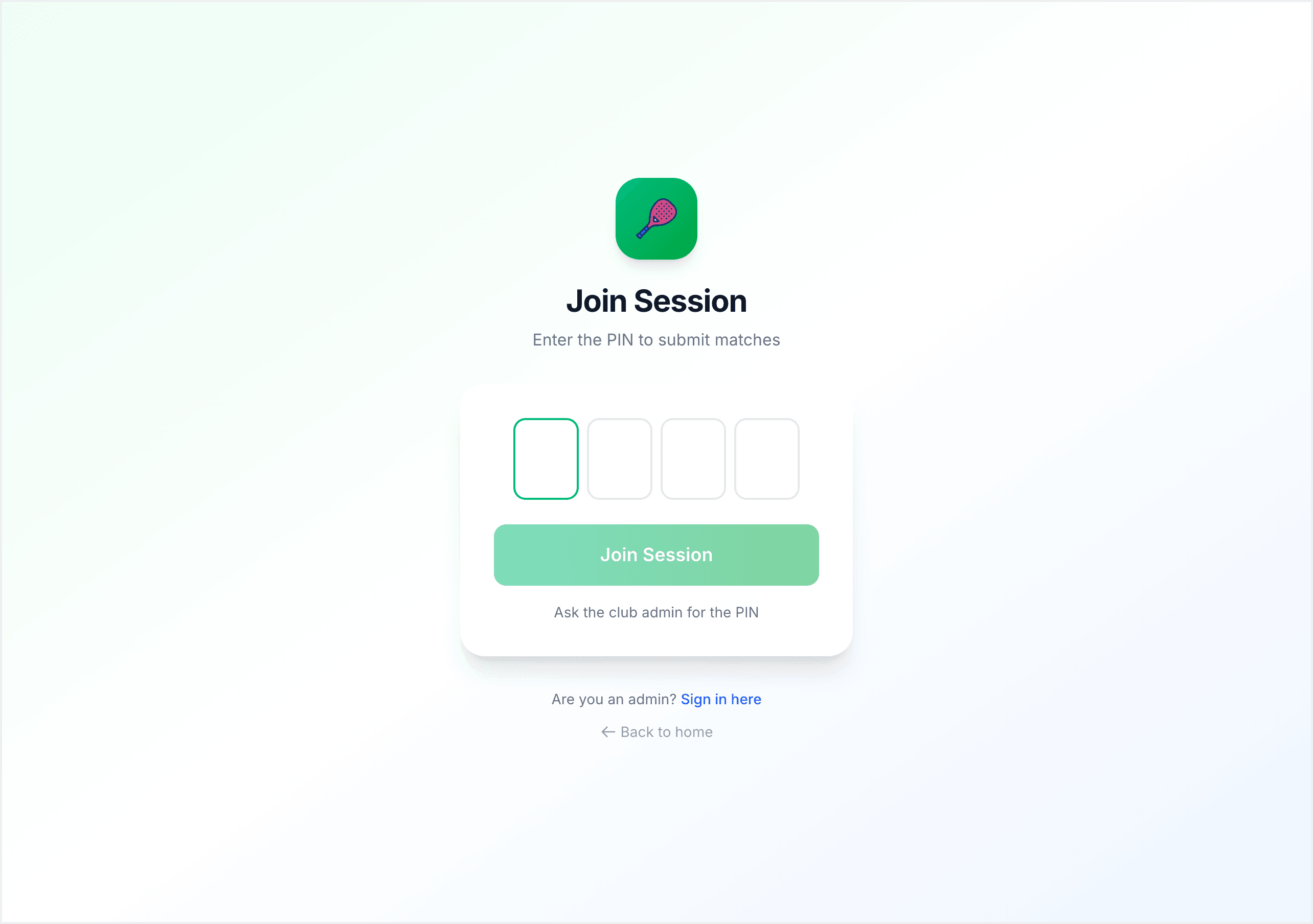
Open any browser on your phone and go to serveleague.com/join. You'll see a simple screen with four large digit boxes.
Two ways to get here:
- Type the address: go to serveleague.com/join and enter the PIN your organiser calls out.
- Scan a QR code: your organiser can display a QR code from the session screen. Scanning it takes you directly to the session with no typing required.
[!TIP] Bookmark serveleague.com/join on your phone's home screen for quick access every week.
Enter the PIN
Type the 4-digit PIN into the boxes. Each digit auto-advances to the next box, so there's no need to tap between them. You can also paste a PIN from your clipboard.
- Invalid PIN? An error appears in red below the boxes. Double-check with your organiser.
- Session not started yet? You'll land in a waiting room that auto-refreshes when the session goes live.
If you arrive early, the waiting room displays the league name at the top along with a pulsing status indicator that reads "Waiting for session to start." You don't need to reload the page or keep checking back. The screen automatically refreshes once your organiser starts the session, and you'll be taken straight into the live session view.
[!NOTE] PINs are unique per league and stay the same across sessions if your organiser uses persistent mode. Save it and reuse it every week.
Check In (Drop-In Leagues Only)
If you're joining a drop-in league, you'll see a check-in screen after entering the PIN. The screen shows a list of all registered player names for that league. Find your name in the list, tap it, and hit Check In. You can check in multiple players from the same device if arriving as a group.
Checking in confirms your attendance for the night. The system uses this information to generate fair match-ups based on who is actually present, so make sure you check in before play begins. Once the organiser finalises the check-in, your match assignments appear automatically on your screen.
For standard and graded leagues, the PIN alone gets you in. There is no check-in step needed because the player list is already set.
What You See After Joining
Once you're in the session, you'll see the session screen with three main tabs:
- Submit: where you enter your match scores after each game. Tap your match, fill in the scores, and confirm.
- Matches: a full list of all matches in the session, showing who is playing whom and the current status of each match (pending, in progress, or completed).
- Standings: a live leaderboard that updates in real time as players submit their results throughout the night.
Each tab refreshes automatically. As other players submit scores around you, you'll see the standings shift and match statuses update without needing to reload. For a full walkthrough of entering results, see Submitting Scores.
What You Can Do Without an Account
The PIN gives you session-scoped access. Without creating an account, you can:
- View all matches and standings
- Submit your own match scores
- See live updates as other players submit results
No sign-up, no app download, no email required. Enter the PIN and play.
What If the Session Hasn't Started Yet?
If the session hasn't started when you enter the PIN, you'll land in the waiting room. This screen displays the league name at the top and a pulsing status indicator so you know you're in the right place.
You have a few options:
- Wait: the page auto-refreshes when the organiser starts the session. You don't need to do anything.
- Come back later: the PIN stays valid, so you can close your browser and return when play is about to begin. Enter the same PIN again and you'll get straight in.
- Contact your organiser: if the session seems delayed, check with your league organiser for an updated start time.
The PIN does not expire between visits, so there is no rush to stay on the page if you arrive early.
Summary
Here's the full flow from start to finish:
- Enter the PIN (or scan the QR code) at serveleague.com/join.
- Land in the waiting room if the session hasn't started, or go straight into the live session.
- Check in if it's a drop-in league (find your name and tap Check In).
- View your matches and standings on the session screen.
- Submit your scores after each game.
That's the complete process. No accounts, no apps, no friction.
What's Next?
- Submitting Scores: how to enter your match results
- Reading Your Results: what happens after the session is finalized