Comparing Players (Head-to-Head)
Every competitive player wants to know: "What's my record against this person?" The head-to-head comparison page gives you the complete answer: total wins, streaks, and every match you've played against a specific opponent.
Getting to Head-to-Head
There are three ways to open a comparison:
- From a player profile: tap the Compare button in the profile header. That player is pre-selected, and you pick the second player.
- From the club menu: go to your club's Head-to-Head page.
- Bookmark or share: you can bookmark the comparison page or share it with others directly.
Selecting Players
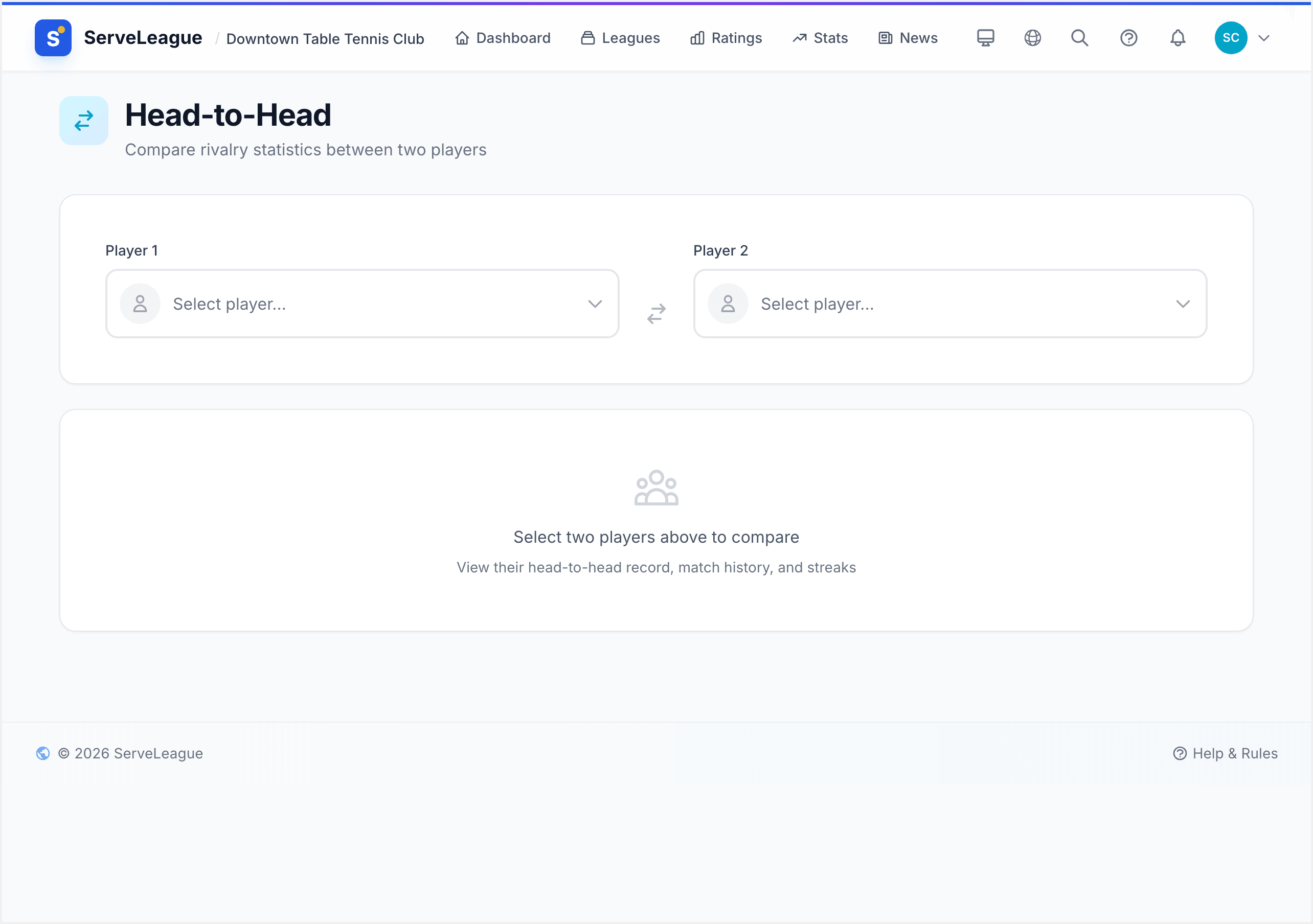
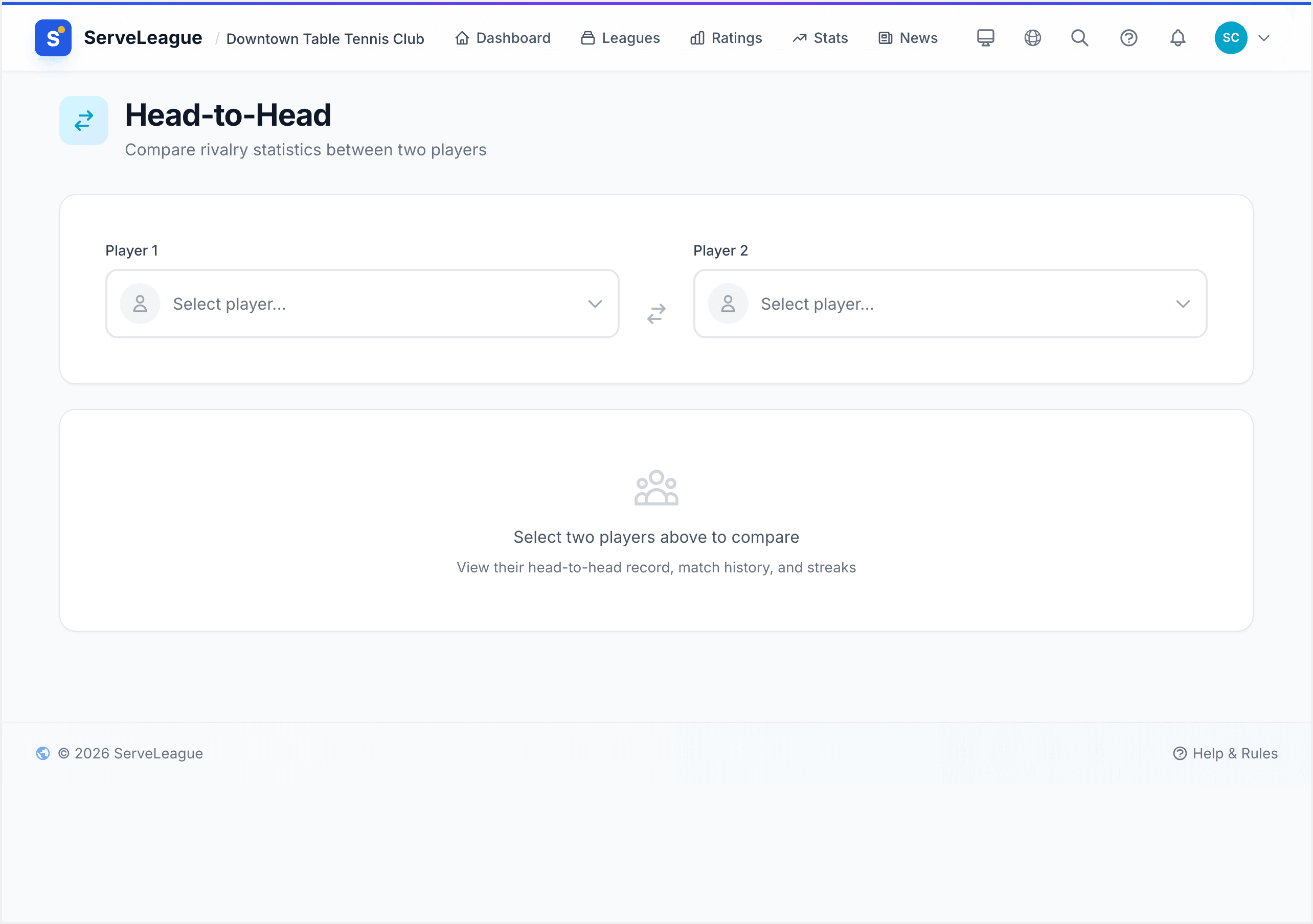
Two searchable dropdowns at the top let you pick Player 1 and Player 2. Start typing a name to filter the list. A swap button between the dropdowns lets you reverse the comparison.
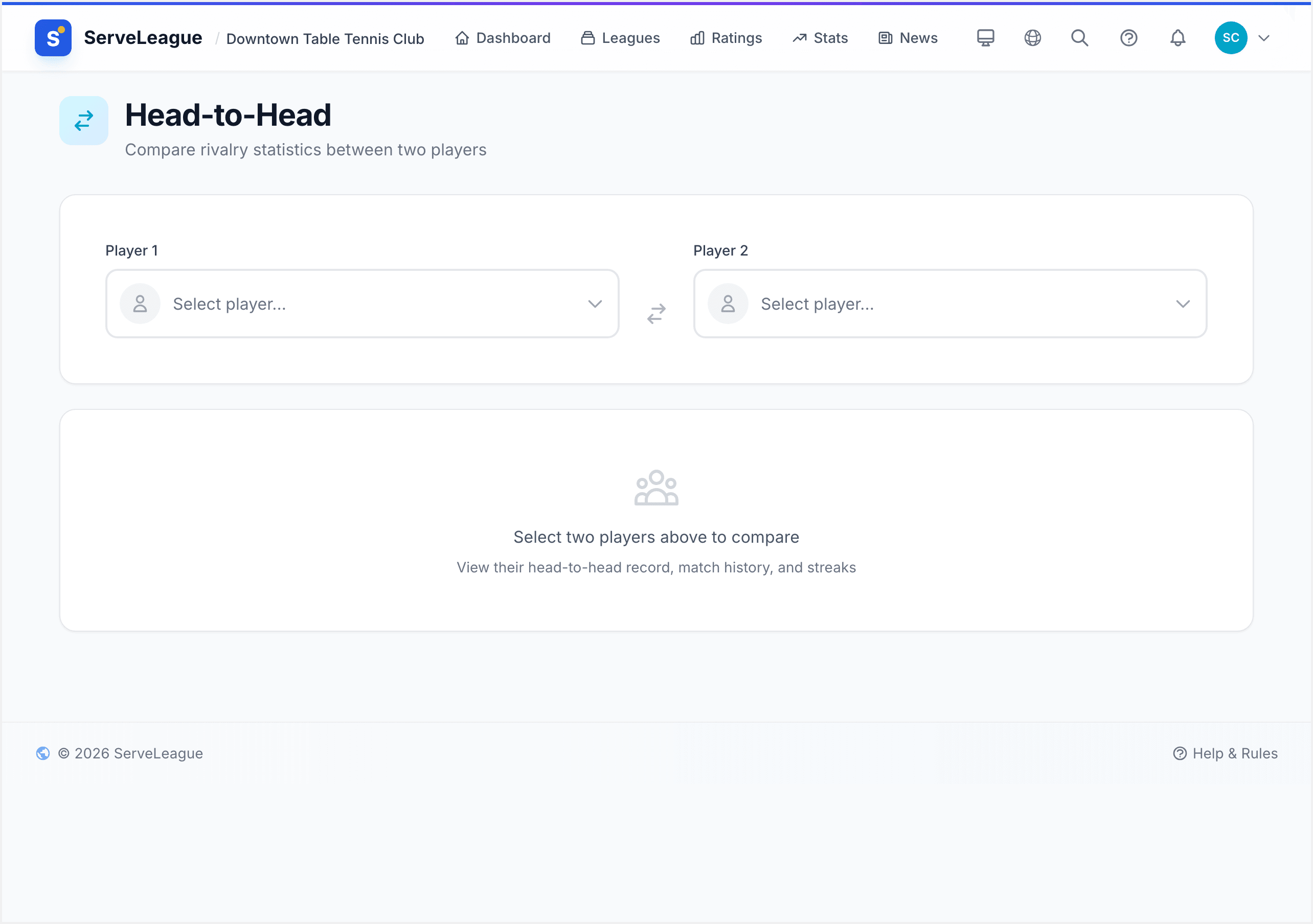
[!TIP] If you arrived from a player profile, that player is already filled in. Pick the second player.
Reading the Results
Once both players are selected, the comparison loads automatically.
Overall Record
A large scoreboard at the top shows the total win count for each player. Below it:
- Singles record: wins in singles matches only
- Doubles record: wins in doubles matches only
- Last played: when these two most recently faced each other
Streaks
Below the scoreboard, streak indicators show:
- Current streak: which player is on a winning run right now
- Longest streak: the all-time best streak between these two
These are great for spotting momentum in a rivalry.
Match History
A chronological list of every match between the two players, newest first. Each entry shows:
- The session name and date
- Match type (singles or doubles)
- Set-by-set scores
- Who won
Tap a session name to see the full session results.
[!NOTE] The head-to-head record includes matches from all leagues and sessions across your club. It's a complete picture of the rivalry.
Sharing a Comparison
A Share button appears when both players are selected. The URL updates automatically to include both player slugs, so anyone who opens the link sees the same comparison.
[!TIP] Share your head-to-head link before a big match to build some friendly competitive tension. Great for group chats and social media.
What's Next?
- Your Player Profile: explore your full stats and progression
- Achievements and Milestones: badges for rivalry wins and more
- Understanding Your Rating: how your rating number works