Running a Multi-Sport Club
ServeLeague natively supports six racquet sports, each with its own scoring rules, terminology, rating engine, and visual identity. Whether your club runs a single sport or manages leagues across multiple disciplines, the entire experience adapts to match the sport your players know.
This tutorial covers how sport selection works, what changes between sports, and how to run leagues for different sports under one club.
Supported Sports
ServeLeague supports the following six sports out of the box:
| Sport | Emoji | Scoring Style | Points per Game | Default Best-Of | Playing Surface |
|---|---|---|---|---|---|
| 🏓 Table Tennis | 🏓 | Simple | 11 | Best of 5 | Table |
| 🏸 Badminton | 🏸 | Simple | 21 (cap: 30) | Best of 3 | Court |
| ⚫ Squash | ⚫ | Simple | 11 | Best of 5 | Court |
| 🏓 Pickleball | 🏓 | Simple | 11 | Best of 3 | Court |
| 🎾 Tennis | 🎾 | Nested (sets) | 6 games/set | Best of 3 sets | Court |
| 🏓 Padel | 🏓 | Nested (sets) | 6 games/set | Best of 3 sets | Court |
Each sport has a distinct color theme that tints the entire app: blue for table tennis, emerald for badminton, orange for squash, lime for pickleball, yellow for tennis, and violet for padel.
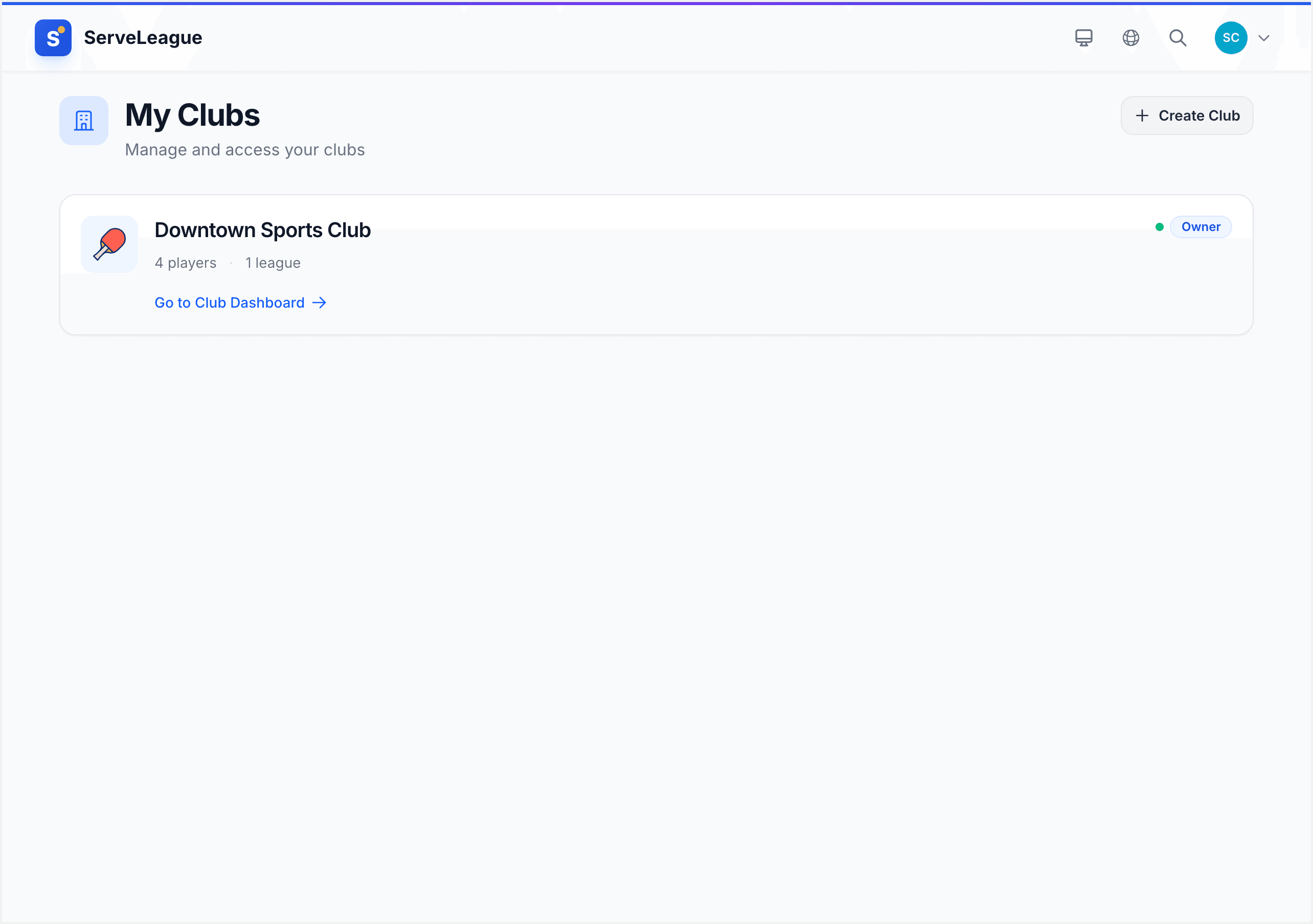
Step 1: Choose Your Sport When Creating a Club
Your club's sport is selected at creation time. When you create a new club, you'll see a sport picker displaying all six options with their icons and names. This choice determines everything about how the platform behaves for that club: scoring validation, match types, terminology, and visual theme.
[!TIP] A club's sport type is set once during creation. If your organization runs multiple sports, create a separate club for each one. This keeps ratings, standings, and league structures clean and sport-appropriate.
Step 2: Understand Sport-Specific Scoring
ServeLeague uses two scoring models that cover all six sports:
Simple Scoring (Table Tennis, Badminton, Squash, Pickleball)
Simple-scoring sports use a rally-to-N format: each game is played to a fixed number of points, and a player must win by a specified margin.
- Table Tennis: First to 11, win by 2, no cap. Deuce at 10-10.
- Badminton: First to 21, win by 2, capped at 30. At 29-29 the next point wins, called "setting" rather than "deuce."
- Squash: First to 11, win by 2, no cap. PAR scoring, the international standard since 2004.
- Pickleball: First to 11, win by 2, no cap. Also offers a rally scoring preset (MLP/PPA Tour rules) with win-by-1 and a freeze at 20-all.
Nested Scoring (Tennis, Padel)
Tennis and padel use nested scoring where games sit inside sets. A set is won by the first player to reach 6 games with a 2-game lead. At 6-6, a tiebreak is played (first to 7 points, win by 2). The score entry screen adapts to show set-by-set scores (e.g., "6-4, 3-6, 7-6") instead of point tallies.
[!TIP] League admins can configure the best-of setting when creating a league. Table tennis supports best of 3, 5, or 7 games. Tennis and padel support best of 1, 3, or 5 sets.
Step 3: Learn Sport-Specific Terminology
ServeLeague automatically adapts all labels throughout the app to match each sport's natural language. You'll never see "table" in a badminton club or "game" where a tennis player expects "set."
Here's how key terms change across sports:
| Concept | Table Tennis | Badminton | Squash | Pickleball | Tennis | Padel |
|---|---|---|---|---|---|---|
| Rally unit | Game | Game | Game | Game | Set | Set |
| Points within | Points | Points | Points | Points | Games | Games |
| Extended play | Deuce | Setting | Deuce | Deuce | Deuce | Deuce |
| Playing surface | Table | Court | Court | Court | Court | Court |
| Score format | Simple | Simple | Simple | Simple | Nested | Nested |
These terms flow through every part of the interface: score entry forms, standings tables, match cards, session summaries, and PDF reports.
Step 4: Match Types and Ratings
Different sports support different match formats, and the rating system tracks each one independently:
- Table Tennis & Squash: Singles and doubles, with separate ratings for each plus merit points.
- Badminton, Pickleball & Tennis: Singles, doubles, and mixed doubles, each with its own rating track.
- Padel: Singles and doubles (mixed pairs play as standard doubles).
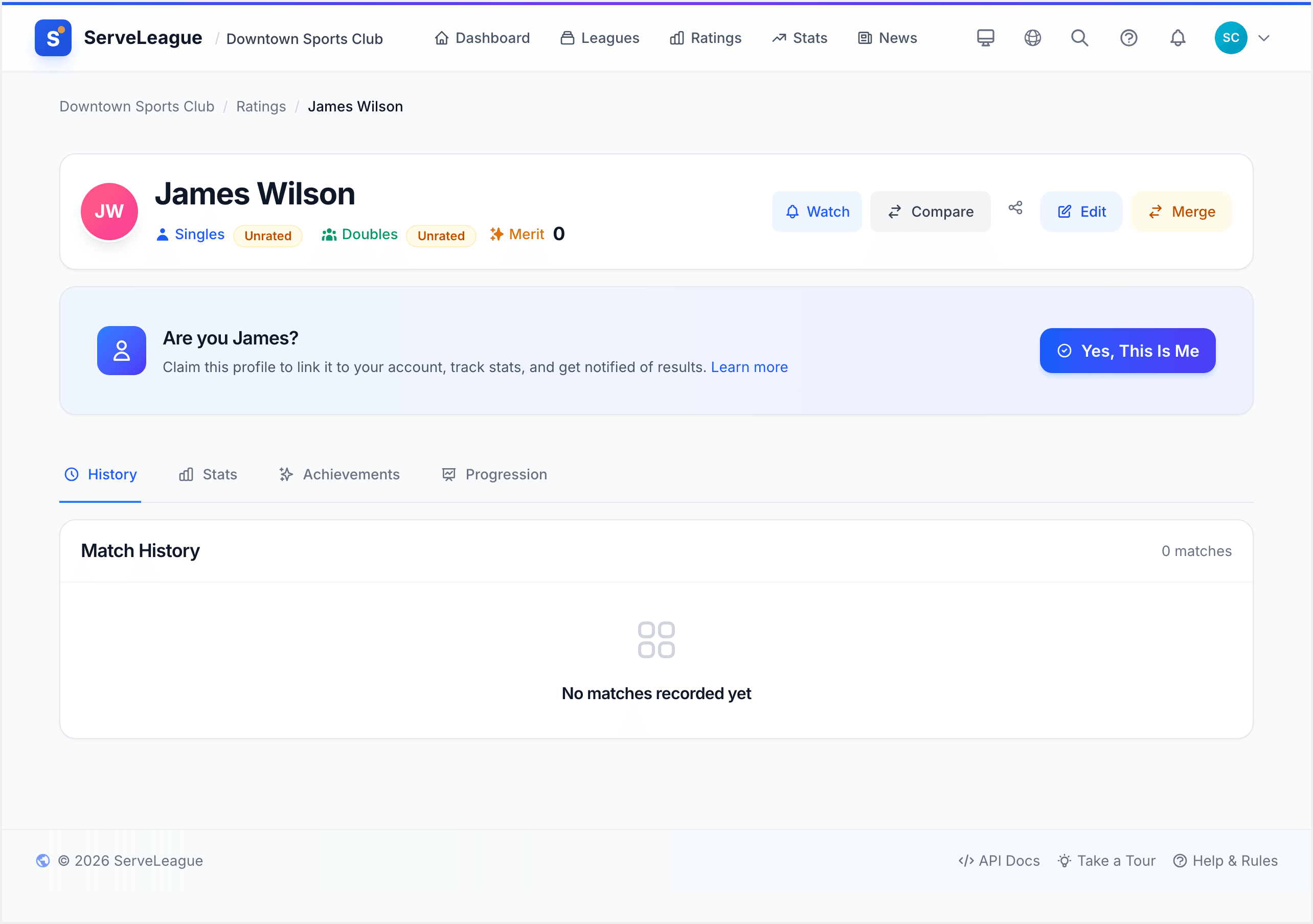
Each sport has its own rating engine with calibrated brackets and adjustment curves. When a session is finalized, the correct engine is automatically selected based on the club's sport type. Rating changes, merit points, and achievement thresholds are all tuned to the norms of each sport.
Step 5: Sport Theming and Visual Identity
Every sport has a signature color palette that tints the entire ServeLeague app:
- 🏓 Table Tennis: Blue (
bg-blue-600) - 🏸 Badminton: Emerald (
bg-emerald-600) - ⚫ Squash: Orange (
bg-orange-600) - 🏓 Pickleball: Lime (
bg-lime-600) - 🎾 Tennis: Yellow (
bg-yellow-600) - 🏓 Padel: Violet (
bg-violet-600)
This theming applies to buttons, cards, badges, navigation accents, focus rings, and hover states. Each sport also has a dedicated SVG icon used in the club header, league cards, and public pages. The sport emoji appears on loading screens, club directory cards, and notification badges.
[!TIP] Sport theming works alongside your club's custom branding (logo, colors). The sport palette provides accent colors while your club branding controls the primary identity.
Step 6: Run Multiple Sports Under One Organization
If your organization manages leagues across different sports, here's the recommended approach:
Create one club per sport. Each club gets its own sport type, rating pool, player roster, and league structure. A table tennis club and a badminton club can coexist under the same admin account.
Players can belong to multiple clubs. A player who competes in both table tennis and badminton will have separate profiles and independent ratings in each club, exactly as you'd expect.
Admins manage all clubs from one account. Use the club switcher in the admin dashboard to move between your table tennis and badminton clubs without logging in and out.
Each club's public page reflects its sport. Visitors to your table tennis club see blue-themed pages with table tennis terminology, while your badminton club shows emerald-themed pages with badminton language.
Step 7: Sport-Specific Features
Beyond scoring and terminology, each sport unlocks additional tailored features:
- Achievements: Each sport has ~15 achievements with sport-appropriate names and thresholds. "Deuce Master" in table tennis becomes "Setting Master" in badminton and "Tin Master" in squash.
- AI Reports: Weekly AI-generated reports use sport-specific prompts referencing the right techniques and strategies.
- Team Names: Auto-generated team names draw from a sport-specific pool for relevant, fun names.
- Email Communications: Club and personal emails include sport-flavored taglines.
- Scoring Presets: Some sports offer variant rules. Pickleball includes a "Rally Scoring" preset following MLP/PPA Tour rules.
Summary
ServeLeague's multi-sport architecture means scoring, terminology, ratings, achievements, theming, and communications all adapt automatically to your club's sport. Choose your sport at creation time and the platform handles the rest. Whether you run a single table tennis league or a multi-sport facility, every player gets an experience that speaks their language.
What's Next
- Score Entry and Match Management: Learn how to enter and manage match scores in your sport's format
- League Settings and Access: Configure best-of settings, scoring presets, and league access controls
- Club Branding and Customization: Customize your club's logo and branding alongside sport theming