Your Player Profile
Your player profile is your home on ServeLeague. It shows your current ratings, match history, statistics, achievements, and rating progression over time. Whether you want to track your improvement, compare yourself to rivals, or share your results with friends, the profile page has it all.
Finding Your Profile
There are several ways to get to your profile:
- From the club page: go to your club's page, find the Players section, and click your name
- From session results: after a session, click "View Player Profile" on your results page
- From the user menu: click your avatar in the top-right corner, then "My Profile"
- Direct link: you can also share or bookmark your profile page directly
[!TIP] If you play in multiple clubs, you have a separate profile for each one. Each club tracks your ratings and stats independently.
Profile Header
At the top of your profile you will see:
- Your name: as it appears across the platform
- Current ratings displayed as badges:
- Singles: your individual match rating
- Doubles: your partnership rating
- Merit: your consistency/participation score
- Share button: share your profile URL with others (uses your device's native share sheet)
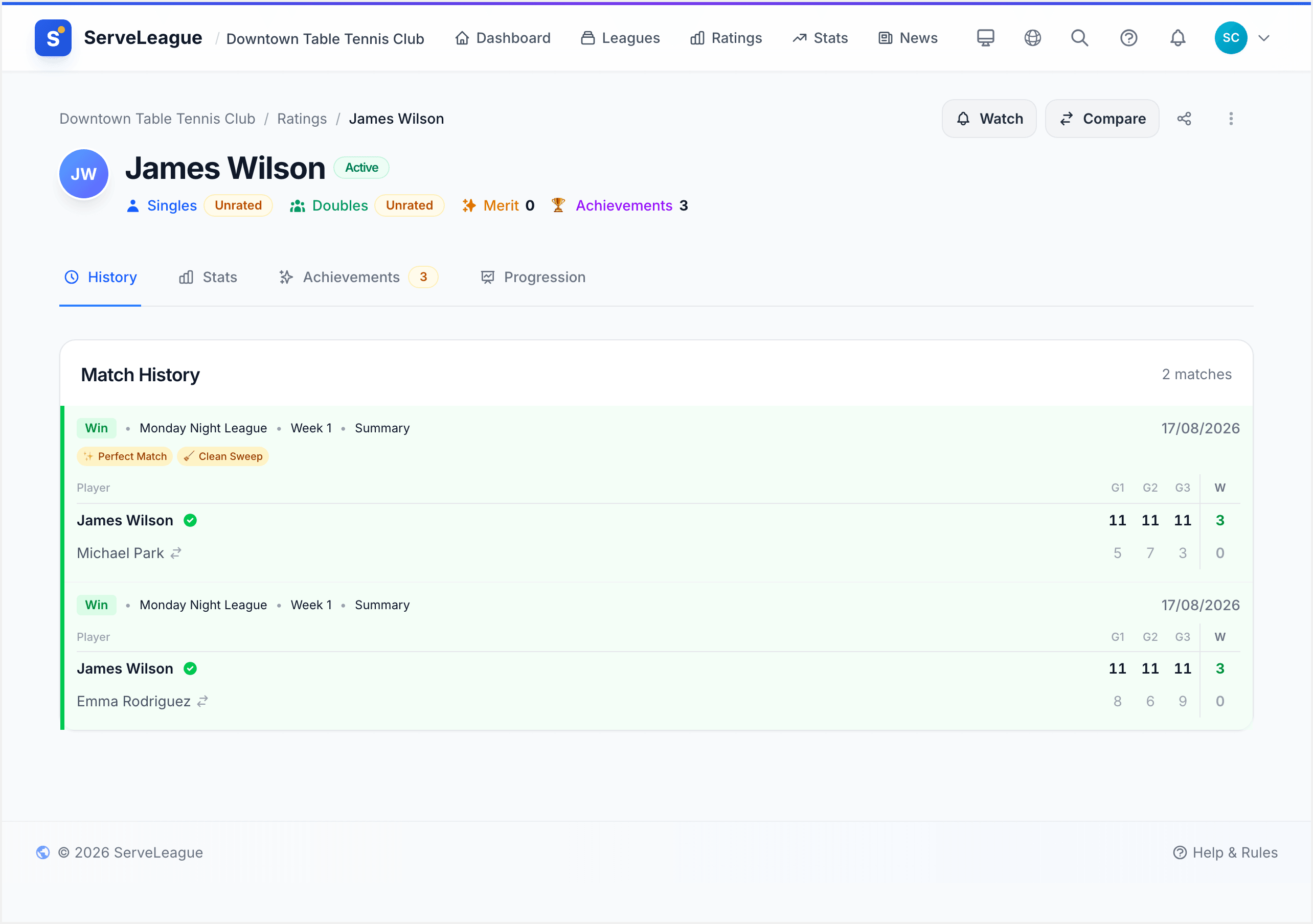
The ratings update after every finalized session. The number you see is always your current, live rating.
Profile Tabs
Your profile page is organized into tabs. Each tab shows a different aspect of your playing history.
Stats Tab
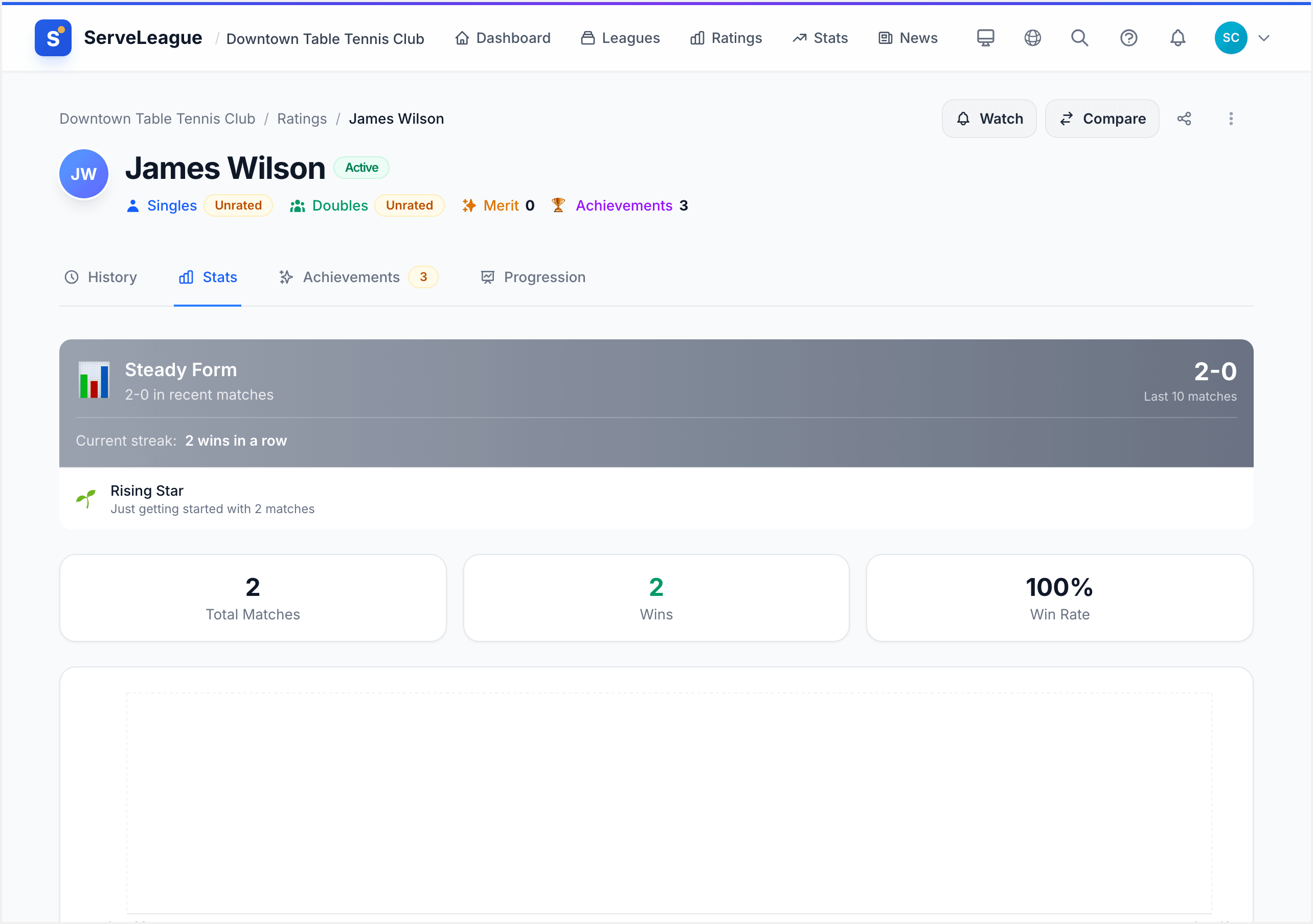
The Stats tab gives you a quick overview of your performance:
- Total matches: how many matches you have played across all sessions
- Wins: your total win count
- Win rate: your overall winning percentage
- Best matchups: opponents you perform best against (highest win rate)
- Toughest opponents: opponents you struggle most against
- Best partners: your most successful doubles partners (if applicable)
These stats aggregate across all sessions and leagues within the club.
[!NOTE] Stats only include matches from finalized sessions. Matches in sessions that are still live or under review do not appear until the admin finalizes.
Progression Tab
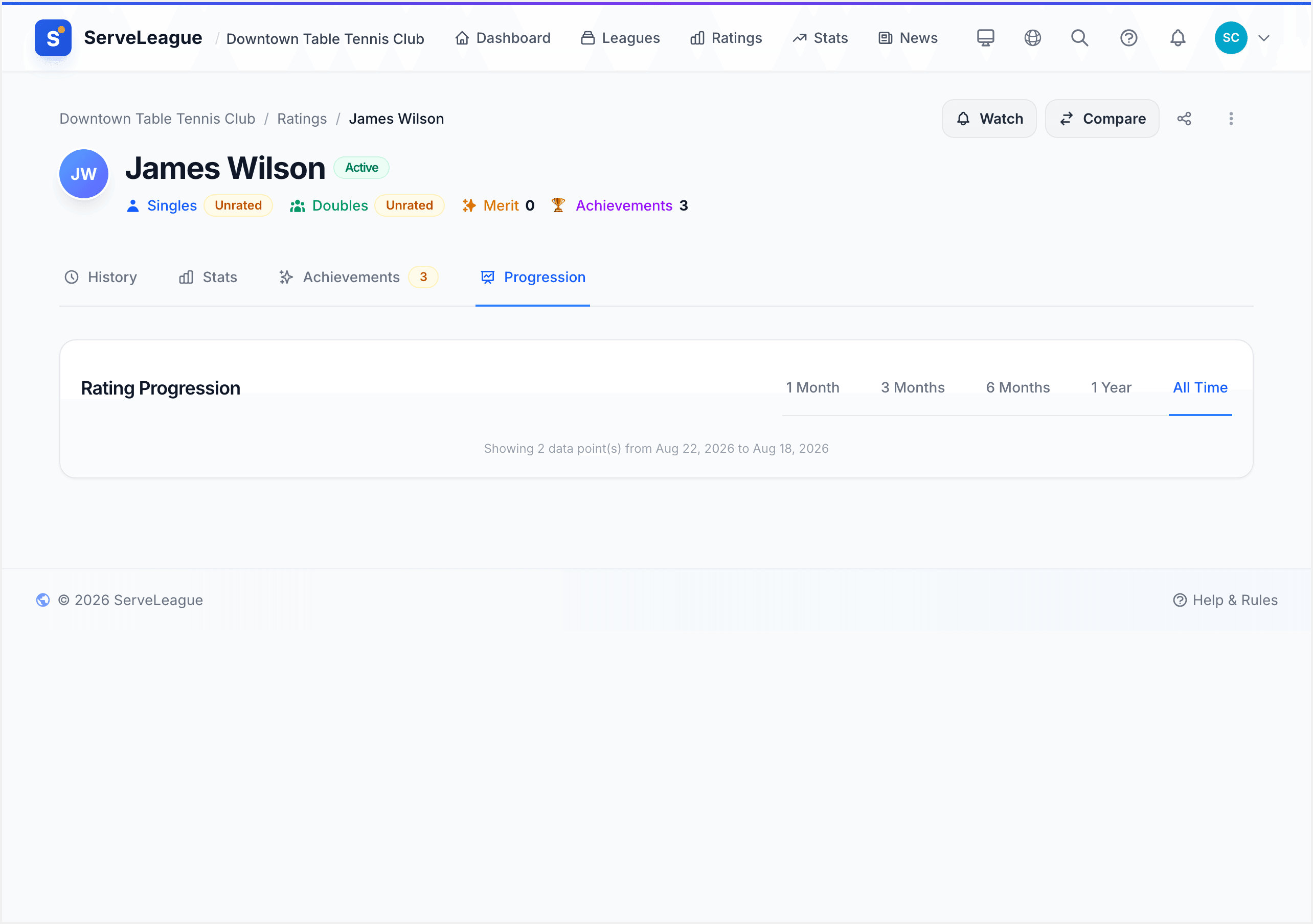
The Progression tab shows your rating history chart, a line graph tracking how your rating has changed over time.
The chart includes:
- Singles line: your singles rating over time (always shown)
- Doubles line: your doubles rating over time (shown if you have doubles data)
- Merit line: your merit score over time (shown if applicable)
Time range filters let you zoom in or out:
| Filter | Shows |
|---|---|
| 1m | Last month |
| 3m | Last 3 months |
| 6m | Last 6 months |
| 1y | Last year |
| All | Your entire history |
Each data point on the chart corresponds to a finalized session. Hover over (or tap on mobile) any point to see the exact rating and date.
[!TIP] The progression chart is the best way to visualize your improvement over time. Look for the overall trend rather than individual session fluctuations. A steady upward slope means you are consistently improving.
Match History Tab
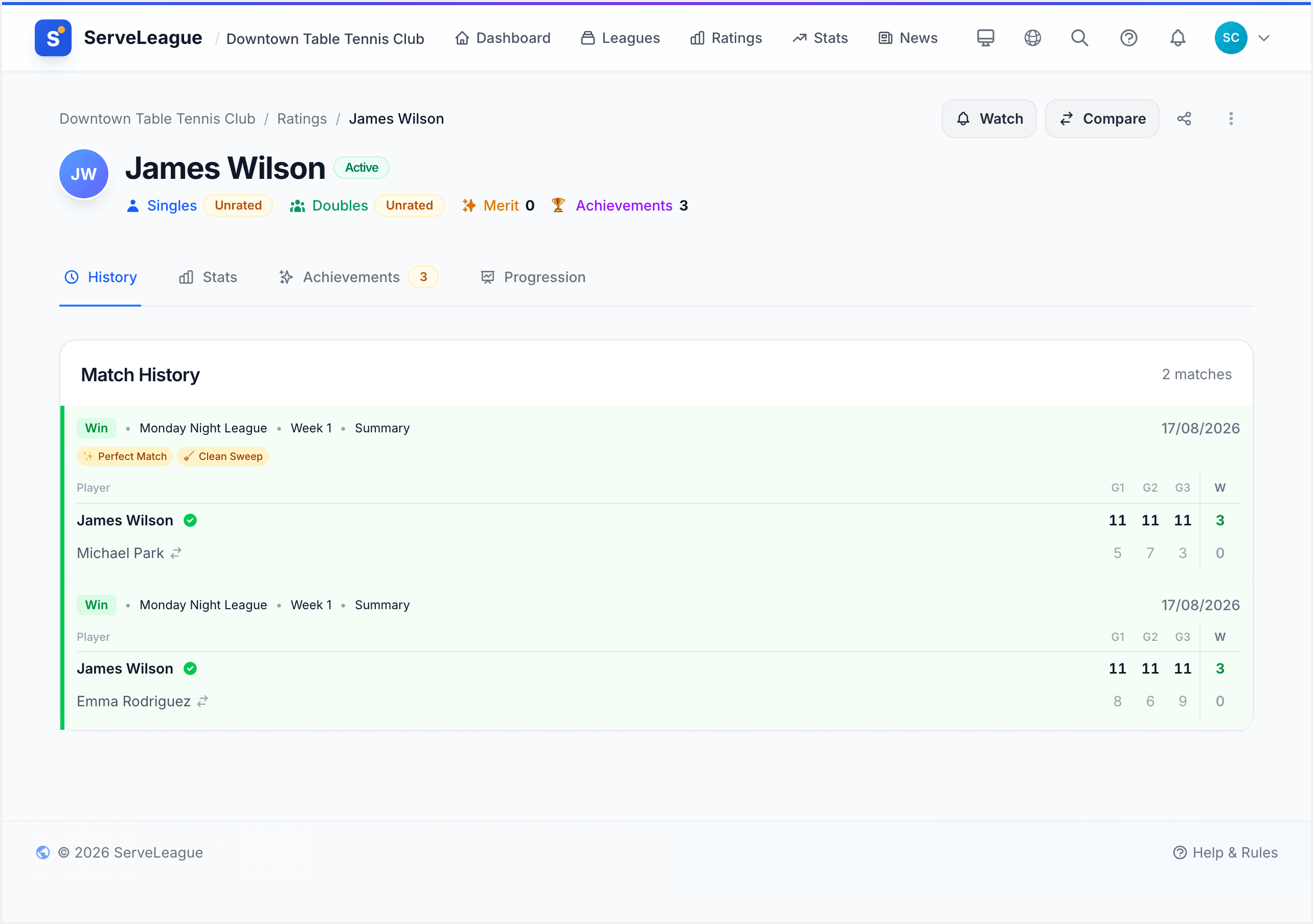
The Match History tab lists every match you have played, most recent first. Each entry shows:
- Date: when the match was played
- Opponent: who you played against
- Score: set-by-set results
- Result: Win or Loss
- League: which league the match was in
You can scroll through your entire history to look back at past performances.
Achievements Tab
The Achievements tab displays all the badges and milestones you have earned. Achievements are displayed as a grid of cards, each showing:
- Badge icon: a visual representation of the achievement
- Name: e.g., "Giant Killer", "Perfect Session", "Century Club"
- Count: how many times you have earned it (for repeatable achievements)
- Date earned: when you first unlocked it
Locked achievements (ones you haven't earned yet) may appear greyed out as goals to work toward.
Club-Level vs League-Level
Your player profile shows club-level stats. These aggregate across every league you play in within that club. This gives you the big picture of your overall performance.
For league-specific or session-specific details, go to:
- The league page → standings to see your position in a specific league
- A session results page → to see matches and rating impact from one session
Think of it this way:
- Profile = your career overview in this club
- League standings = your rank in a specific competition
- Session results = the details of one night's play
Sharing Your Profile
Tap the Share button in your profile header to share your profile with others. This uses your device's native share sheet, so you can:
- Send it via WhatsApp, Telegram, or other messaging apps
- Copy the link to paste anywhere
- Post it on social media
The profile URL is public. Anyone with the link can view your stats and match history (subject to the club's privacy settings).
[!TIP] Share your profile after a great session to celebrate your results, or send it to new opponents so they can see your match history before you play.
Claiming Your Profile
If you see your name in a club's player list but it's not linked to your account, you need to claim your profile. This connects your ServeLeague account to the player record the admin created for you.
See the claiming process in the Player Self-Service tutorial for step-by-step instructions.
Once claimed:
- Your match history is linked permanently to your account
- You can view your profile from the user menu
- Push notifications for your results become available
- Stats and achievements are tracked under your account
What's Next?
- Reading Your Results: understand how session results translate to rating changes
- Understanding Your Rating: learn the algorithm behind your rating number
- Head-to-Head and Player Profiles: compare your record against specific opponents
- Achievements and Milestones: explore all the badges you can earn